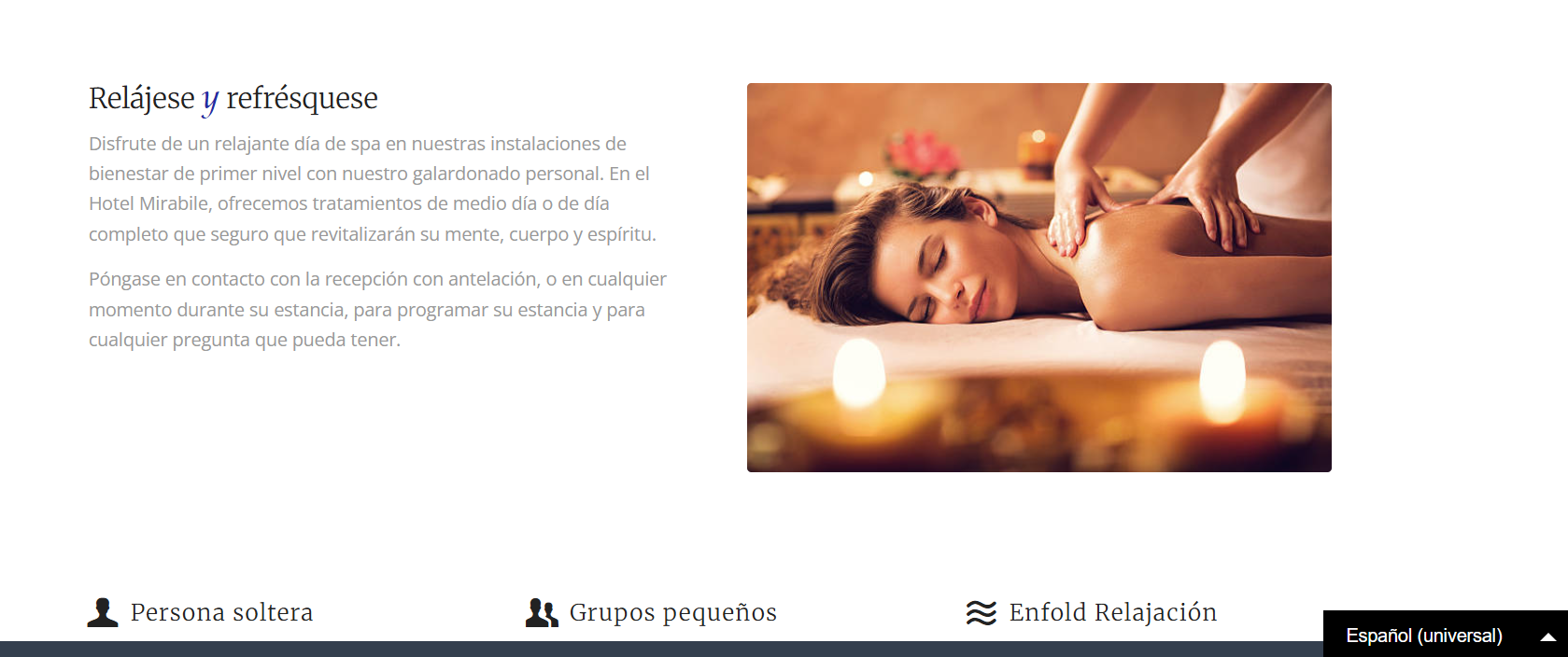
How do I swap assets on a translated page?
You may have assets that you previously translated and you want to deploy them on your translated website. On Bablic, you can control your assets by target language via the Asset Rewrites feature, which is available on both the browser and Desktop App.
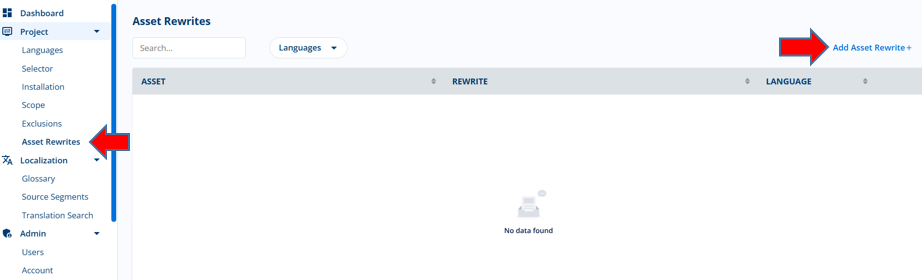
To create an Asset Rewrite rule, go to your Project > Asset Rewrites page and click “Add Asset Rewrite” on the right.
In the ensuing modal, first select the relevant target language from the dropdown. Then in the Asset URL field, paste in the source URL for the asset you'd like to replace on the translated website. In the Rewrite URL field, paste in the source URL for the asset you'd like to display on the translated website:
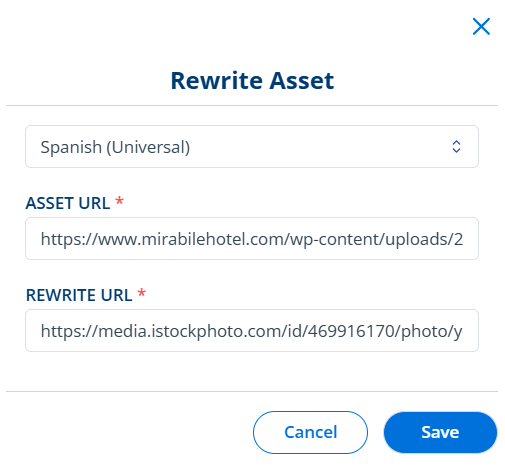
Note that the Asset Rewrite feature will also accept RegEx patterns, which might be useful when implementing asset swaps in bulk.
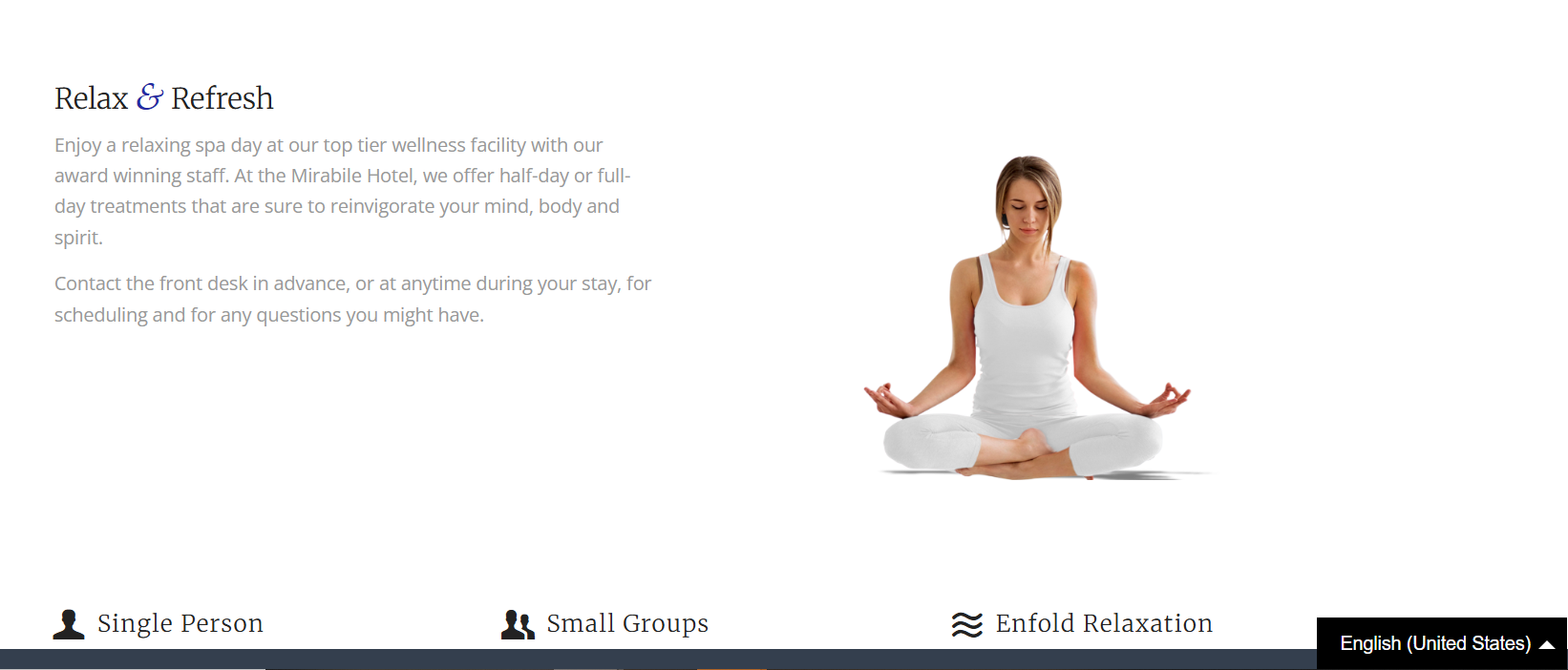
Once you save your rule, go to the relevant webpage and select the effected language from the language selector. You should see that the original asset has been replaced on the translated website.
English:
Spanish: