
WordPress Implementation Guide
Let’s integrate Bablic with your WordPress site. This guide will help you get started. Here are the things you’ll need before you get started:
1. A Bablic account (Don’t have one? Click here!)
2. A WordPress website with an upgraded tier: The "Creator" plan or higher upgrade is required to add custom code to your WordPress site.
Click here to log in to your WordPress dashboard to get started.
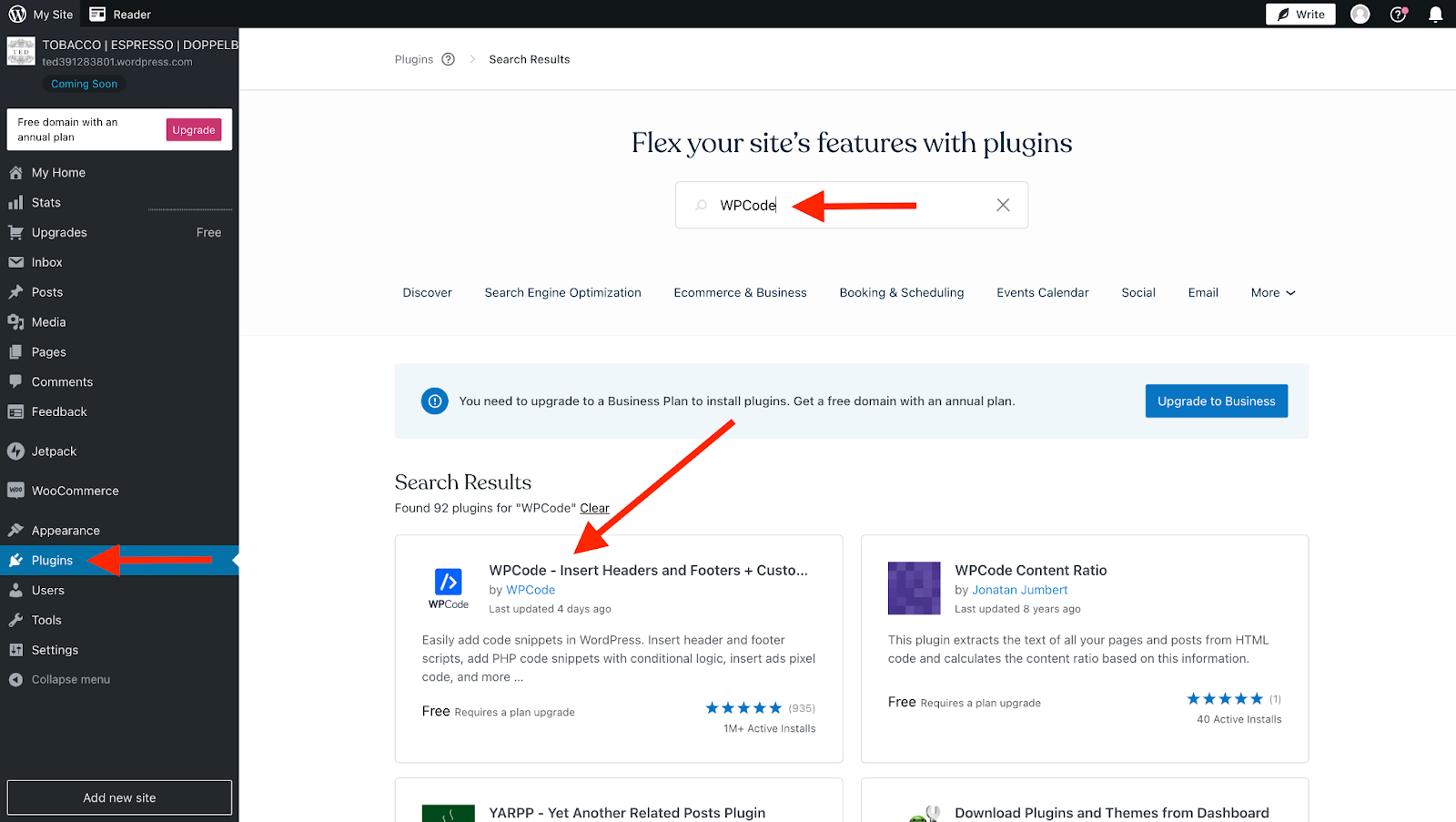
From "My Site" settings, select "Plugins" from the right sidebar.
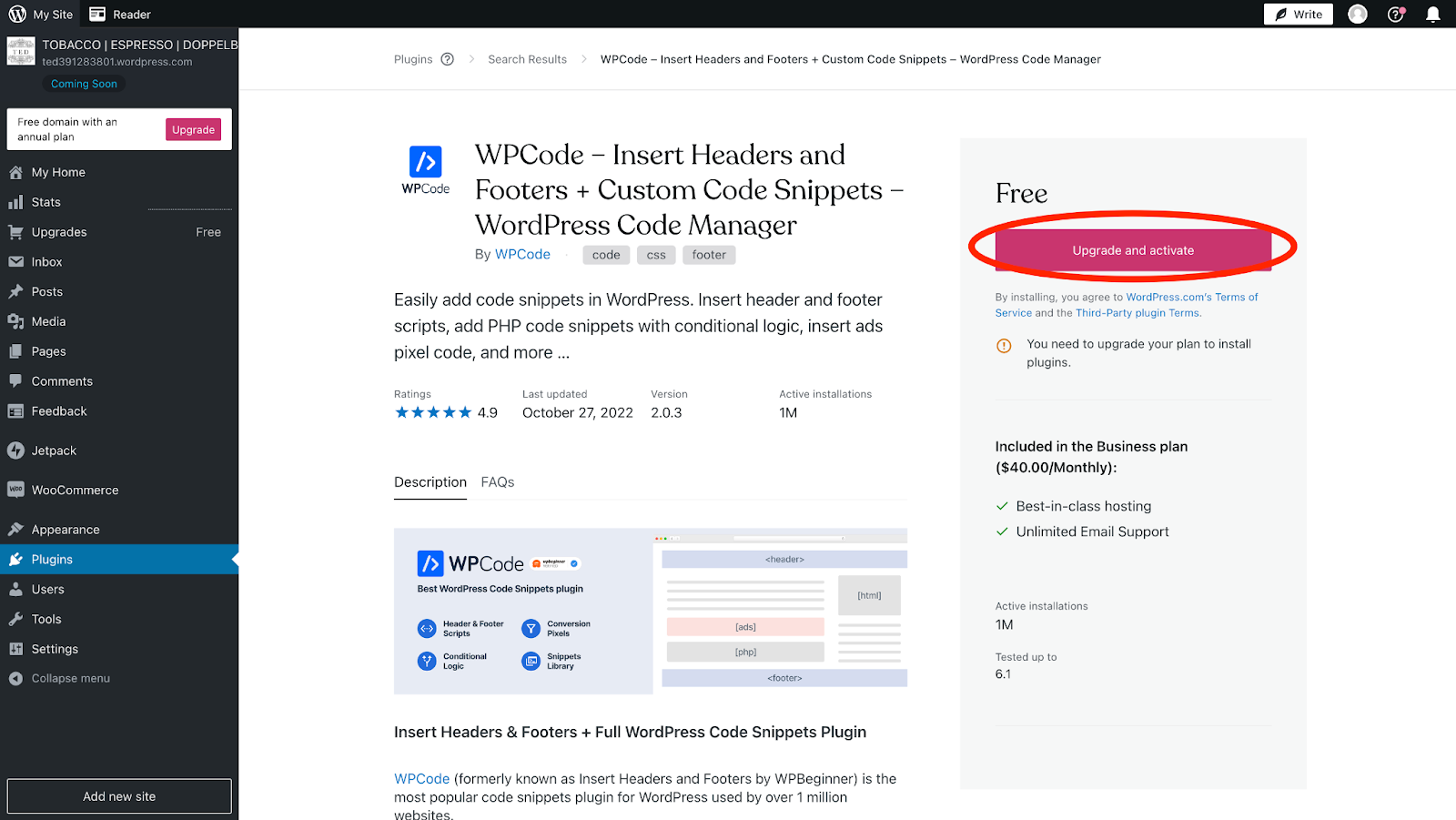
Search for the free "WPCode - Insert Headers, Footers, and Code Snippet plugin" and install and activate. This is free on the "Creator" Plan.
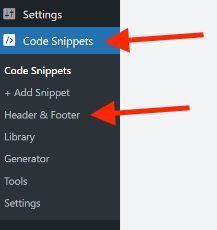
In the left-side navigation bar, click "Code Snippets" and select "Header & Footer".
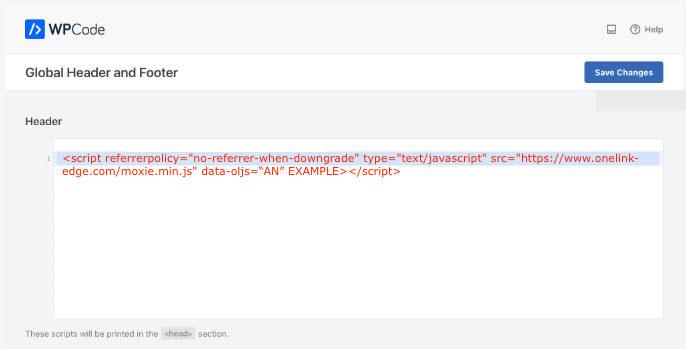
Click here to log in to your Bablic project. Under Project, go to your Installation page and copy your snippet of JavaScript from the Injection card at the bottom of the page.

Paste your snippet of JS into the "Header" and remember to "Save Changes".
Click here for WordPress's support page on adding code to the <head> of your site's HTML.